
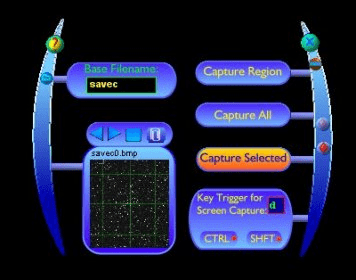
The "Screen Capture Utility" allows you to capture any part of, or the full screen using various methods. You may choose whatever method suits your needs the most. You could save the full screen using a mouse click, or a hot key combination, or you may select a part of the screen to be captured using various program features. You will see a small preview of your captured image, and you can step through all your saved images without exiting the program. You may also send a captured image to the clipboard if you want to pass it to another program without having to work with the file. You could have your favorite image editor open the image with a click of a button, or your could have the utility open the directory where all your captured pictures are saved. There are several other features in this utility such as "transparent mode" and "idle mode" that give you some unique options that are not found in other such programs.





Comments